Serious media, easier to enter.
Use atmosphere and structure to make a difficult subject legible before the analysis starts.


FigureKit is an art department your agent operates over MCP. It picks the visual world, generates the figure, and places it beside the words it clarifies — with spend capped by the service.
Friend beta, invite only
generate_visuala colossal elephant crossing a coastal city, calm morning light

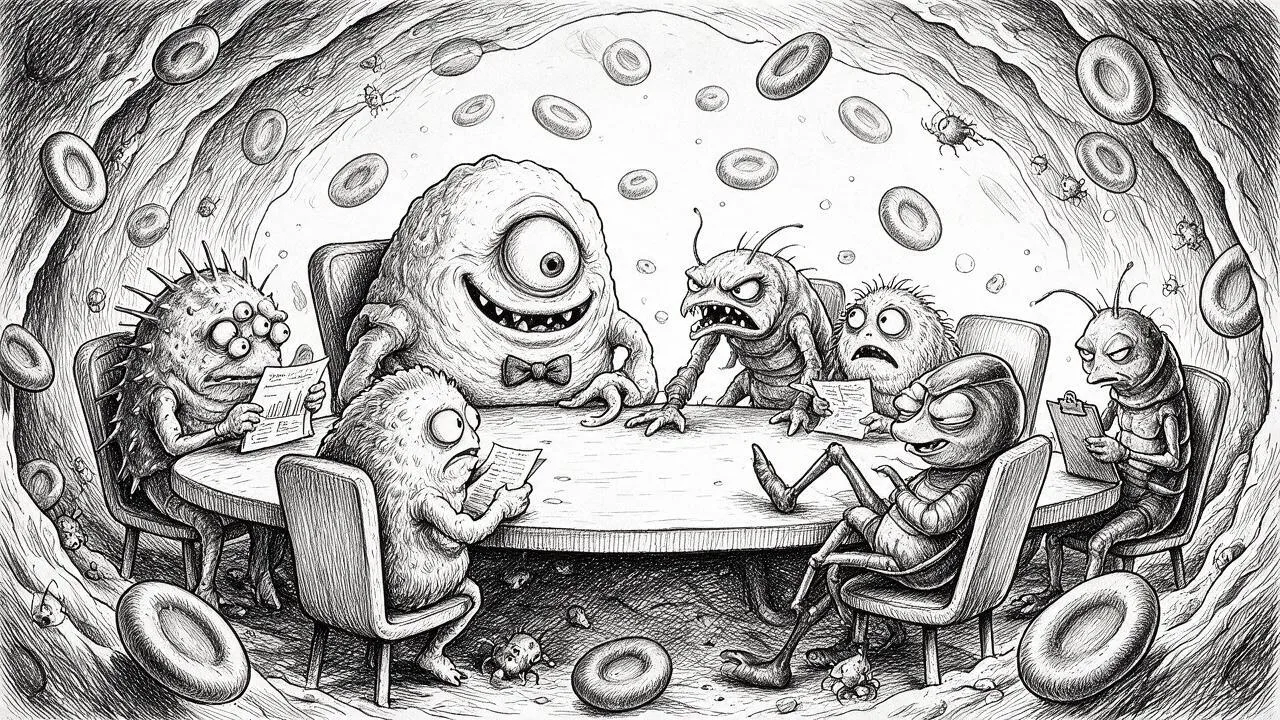

Each style carries its own references, visual rules, and purpose — a small set of meaningfully different worlds for features, essays, science, stories, and children’s books.
One brief can establish scale before the first paragraph begins.
Each visual world has a job, a material language, and a point of view.
Each pair shows a visual world doing two different jobs. The subject changes. The purpose stays clear.
Use atmosphere and structure to make a difficult subject legible before the analysis starts.
Let the image carry wonder, safety, character, and a world a child wants to stay inside.


Good educational visuals make a system visible before a student has to memorize it.
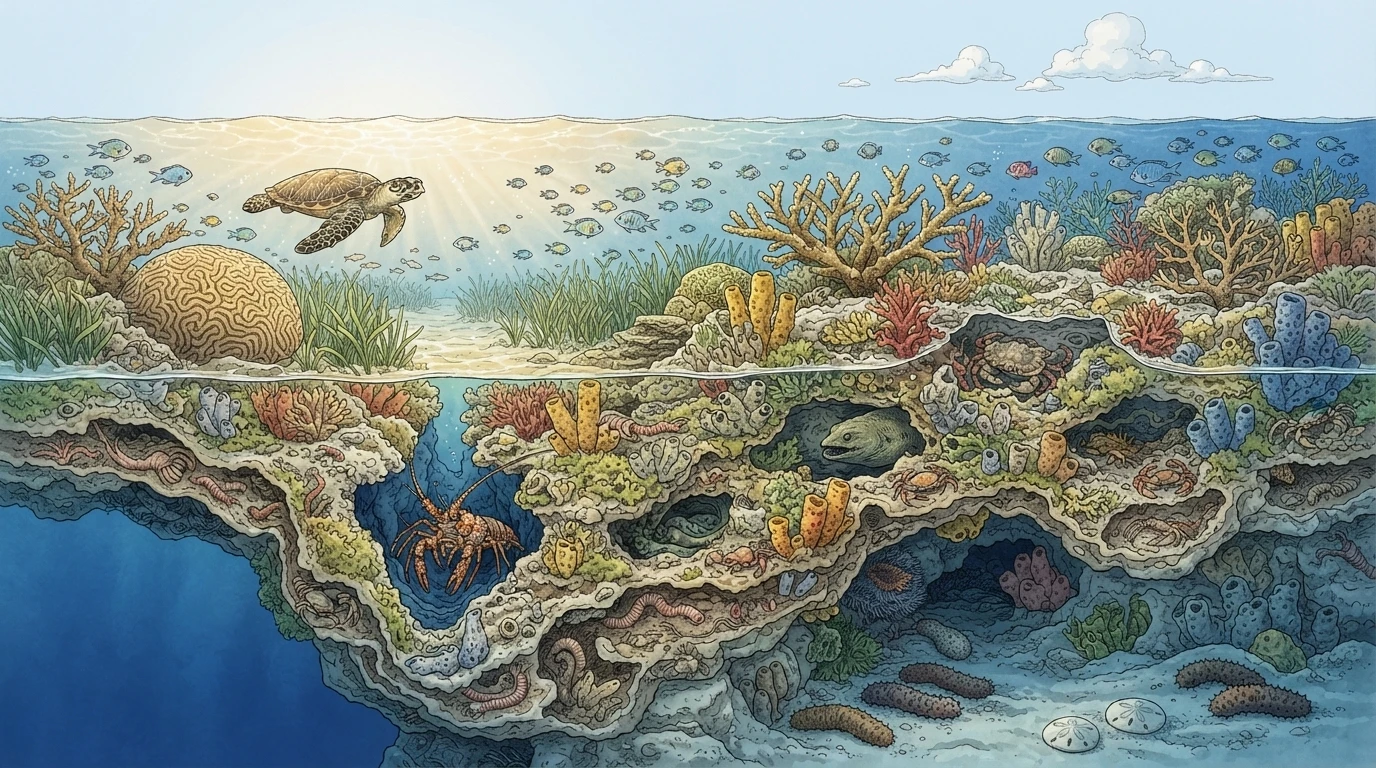
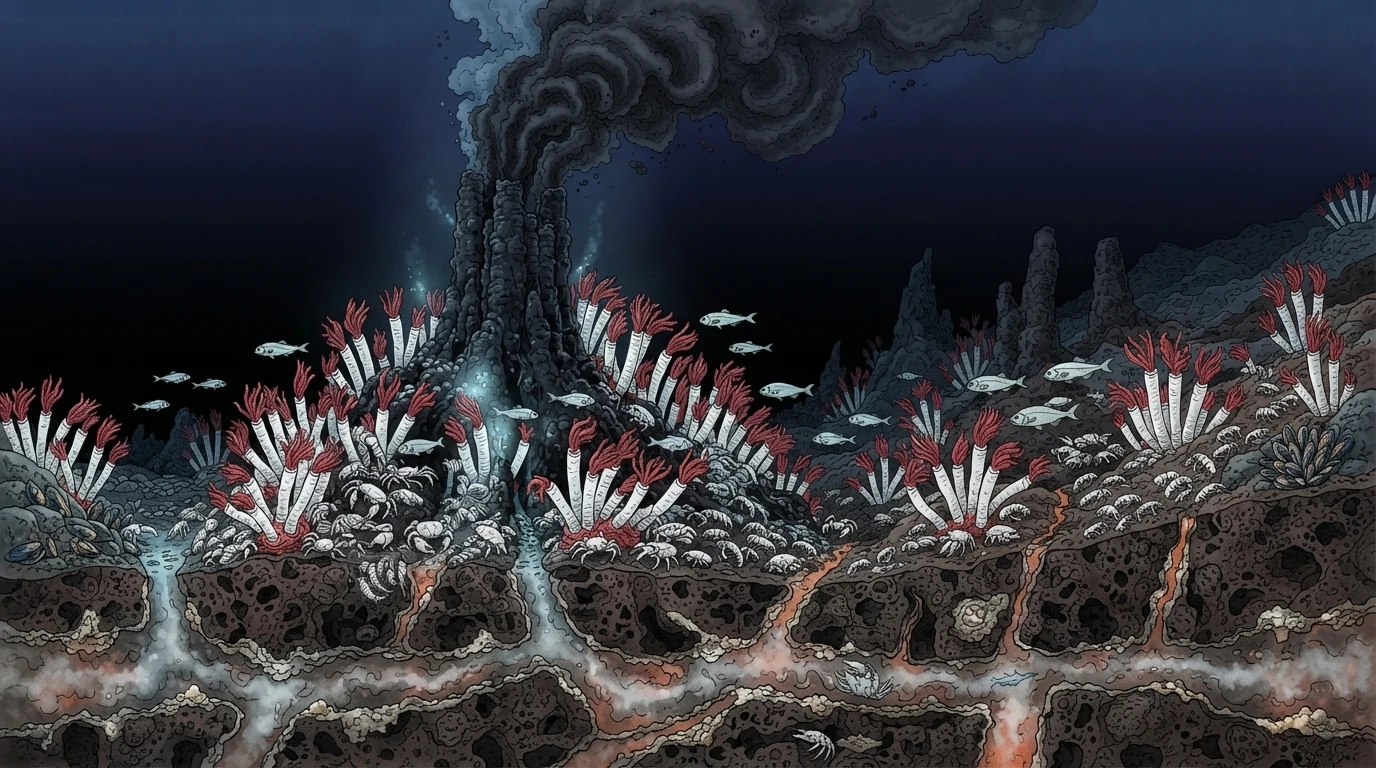
Satire works when the scene gives the reader an immediate, specific imbalance to notice.
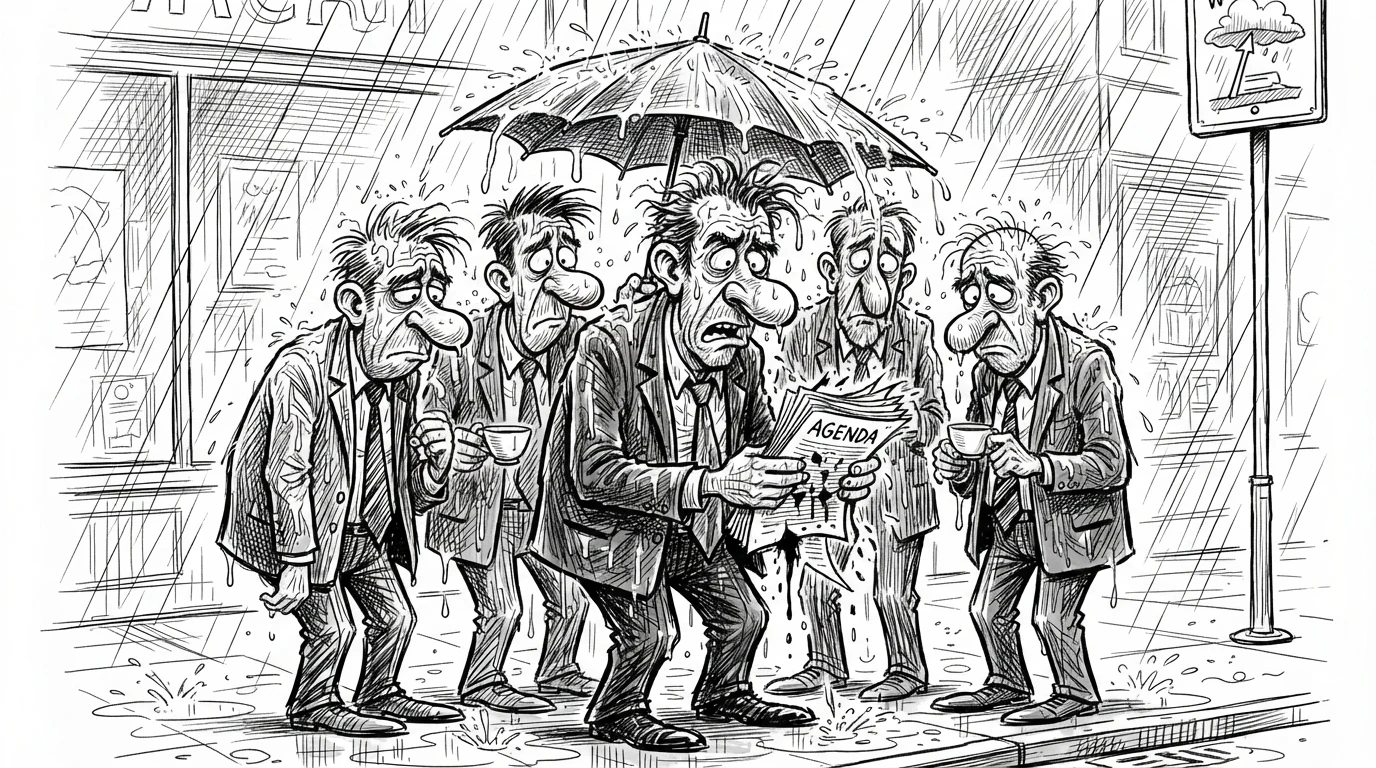

When an essay is about pressure, attention, or mood, the image can make the reader feel it first.

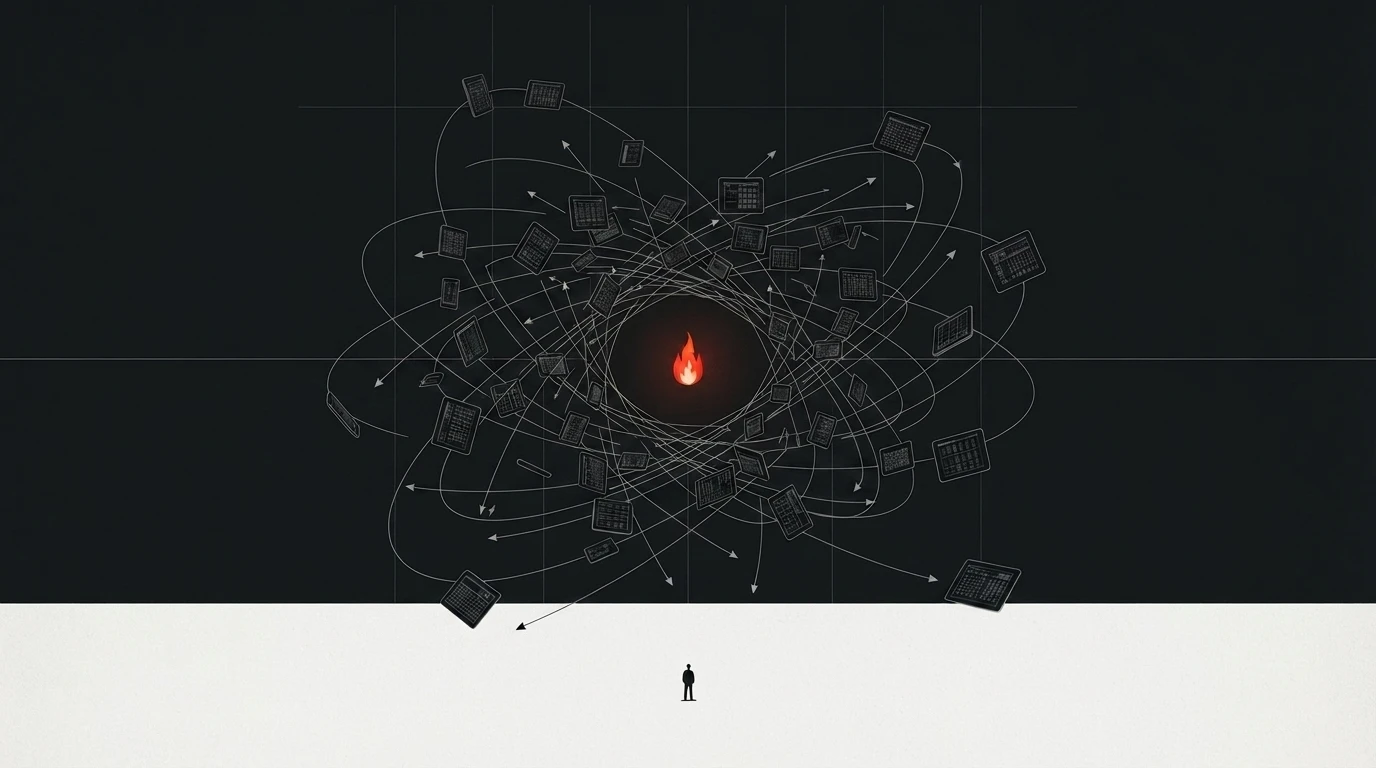
Material, light, and scale turn an idea into a world with believable physical presence.


It stays in the document. FigureKit handles the style, the generation, the file, and useful alt text.
The agent reads the available visual worlds and what each is for.
It sends a short brief with the context and aspect ratio.
It saves the image, writes the alt text, and sets it beside your words.
A strong illustration establishes scale, relationships, sequence, and mood before the reader reaches the second sentence.
The image carries the structure. The text carries the detail.
Invite only by design. Each account has a fixed credit balance and a generation rate limit.
Add one URL to any MCP client, then paste your connect code on the FigureKit approval page. Nothing else to configure, and no key in a config file.
Claude, Claude Code, ChatGPT, Codex
https://mcp.figurekit.dev/mcp